

Published
For most of its life a database is a very good listener and a terrible conversationalist. It remembers everything you tell it, but it never calls back when something changes. If you wanted to know, you asked again. And again. And again, every few seconds, in a loop somebody wrote on a Friday and nobody has dared to touch since.
Galactus DB 1.4.0 changes that. Your graph can now tell you when something changes, and it can keep a live read-only twin of itself up to date while it does. Both are opt-in, both are in every edition (yes, including the free Developer one), and if you never switch them on, nothing about your database changes at all.
Here it is in action. Drag to look around, click an order to mark it paid, and try the four use cases along the top:
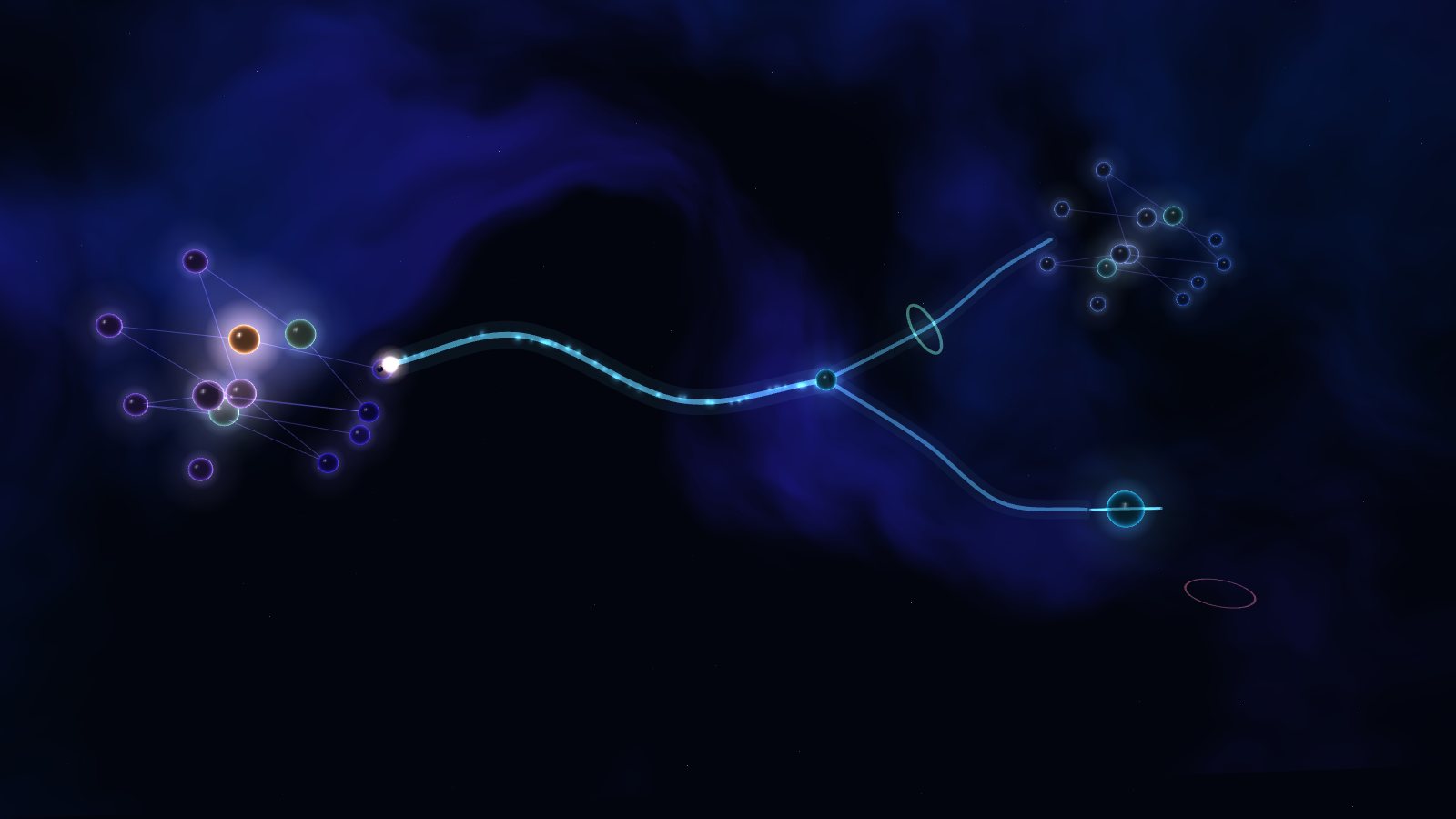
This interactive demo needs WebGL. Read about it.
Switch it on
Two steps. Start the server with one extra environment variable:
GDB_CHANGE_STREAMS=on
Then tell the database you would like it to start keeping notes:
ALTER DATABASE galactus SET CHANGE STREAM ON;
From now on every committed change is recorded: nodes and relationships created and deleted, labels added and removed, properties set and removed. Each one comes with when it happened, who did it, and what the value was before.
Subscriptions: a doorbell for your graph
Say the warehouse wants to know the moment an order is paid. Not every change to every order, just that one. So we subscribe to exactly that:
CREATE SUBSCRIPTION fulfilment ON DATABASE galactus
  FOR (n:Order) ON CREATE, PROPERTY status UPDATE
  OPTIONS {payload: 'full'};
That reads almost like English, which is the idea. You can watch a label (ON CREATE, DELETE, UPDATE, LABEL ADDED, LABEL REMOVED), a single property
on that label (PROPERTY status UPDATE), or relationships of a type
(FOR ()-[r:PAID]->() ON CREATE). With payload: 'full', each message carries
the whole order as it was before and after the change, so your code does not
have to go back and ask.
Here is the warehouse's side, using the native Python driver. Any of the seven native drivers works the same way.
import os
from galactus import Driver

with Driver("bolt://127.0.0.1:7687", "gdb", os.environ["GDB_PASSWORD"],
            database="galactus", timeout=30) as driver:
    while True:
        # Waits up to 25 seconds, and returns the moment something matches.
        result = driver.execute_query(
            "CALL gdb.subscription.read('fulfilment', {consumer: 'warehouse', waitMs: 25000}) "
            "YIELD deliveryId, event, row")
        done = []
        for r in result.records:
            if r["event"].get("after") == "paid":
                pack_the_box(r["row"]["after"]["properties"])
            done.append(r["deliveryId"])
        if done:
            driver.execute_query(
                "CALL gdb.subscription.ack('fulfilment', $ids)", {"ids": done})
A few things are handled for you:
- It remembers where you were. The server keeps each consumer's position. Restart your program, or the database, and it carries on from the last message you acknowledged.
- Nothing gets lost. A message you never acknowledged comes back after a timeout. One that keeps failing is set aside as a dead letter and counted, rather than jamming everything behind it.
- Everyone gets their own copy. Point billing at the same subscription as
consumer: 'billing'and it receives every message too, at its own pace. - Late to the party? A new consumer can start from now, from the earliest change the stream still holds, or from a full snapshot of the graph followed by every change since. That last one is handy for filling a search index or a cache from scratch.
Because delivery is "at least once", make your handler safe to run twice. Keying the work on the order number is usually all it takes.
Replicas: a twin that politely refuses to write
The second half of the release is replica databases. One statement gives you a read-only copy of a database on the same server:
CREATE DATABASE galactus_ro AS REPLICA OF DATABASE galactus;
It starts as an exact copy and then follows along, one transaction at a time.
Point your reporting dashboards and heavy analytical queries at it, and the
database taking orders never notices. Try to write to it and it will turn you
down, nicely, with Galactus.ClientError.Database.ReadOnlyReplica.
There is also a very useful party trick:
CREATE DATABASE galactus_yesterday AS REPLICA OF DATABASE galactus
  OPTIONS {mode: 'backup', applyDelay: '1h'};
That twin stays an hour behind. If someone runs a delete with a slightly
too-enthusiastic MATCH at 4:55 on a Friday, you have an hour to
ALTER DATABASE galactus_yesterday PAUSE REPLICATION and fetch what you
need before the mistake reaches it. When you want a replica to stand on its
own, ALTER DATABASE galactus_ro PROMOTE makes it an ordinary, writable
database.
How close behind?
Close. Each source transaction is replayed on the replica under the same
transaction number, so the copy matches exactly, and nothing is ever applied
twice. With group durability we measured the replica catching up a median of
4 milliseconds after a commit. That figure includes a full query round trip
to check. With buffered durability, the image's default, a replica only
applies changes once they are safely on disk at the source. That happens on the
periodic sync, so it trails by about 60 milliseconds. Never ahead of what the
source has actually saved is a feature, not an accident.
Measured on an Intel Core i9-13900K with 64 GB of RAM, running the published
ianknowles/galactus-db:1.4.0 Linux image under Docker 28 on Windows 11.
When it is off, it is off
We were fussy about this. With change streams switched off, the write path is
the same as 1.3.0's, and our before-and-after benchmarks could not tell them
apart. Switching a stream on adds a few per cent to commit time in the worst
case we could think of, a hundred property updates in every transaction. A
typical application will struggle to see it. Full before-and-after rows
cost a little more: a few microseconds for each watched entity a transaction
touches, and only for the labels a full subscription asks about. The stream
is written by a background thread, so a slow consumer can never slow down your
writes.
What it is not (yet)
This is not clustering. Replicas live on the same server as their source, so they help with read load, reporting and recovering from mistakes, but they do not protect you from losing the machine. Replicas on other servers are next on the list. Until then, keep taking backups.
Give it a go
docker pull ianknowles/galactus-db:1.4.0
Then have a look at the guides:
- Change streams: turn it on and read every change.
- Subscriptions and trigger queues: selectors, payloads and consumers.
- Replica databases: create, pause, promote.
Your graph has been listening all along. Now it can tell you what it heard.